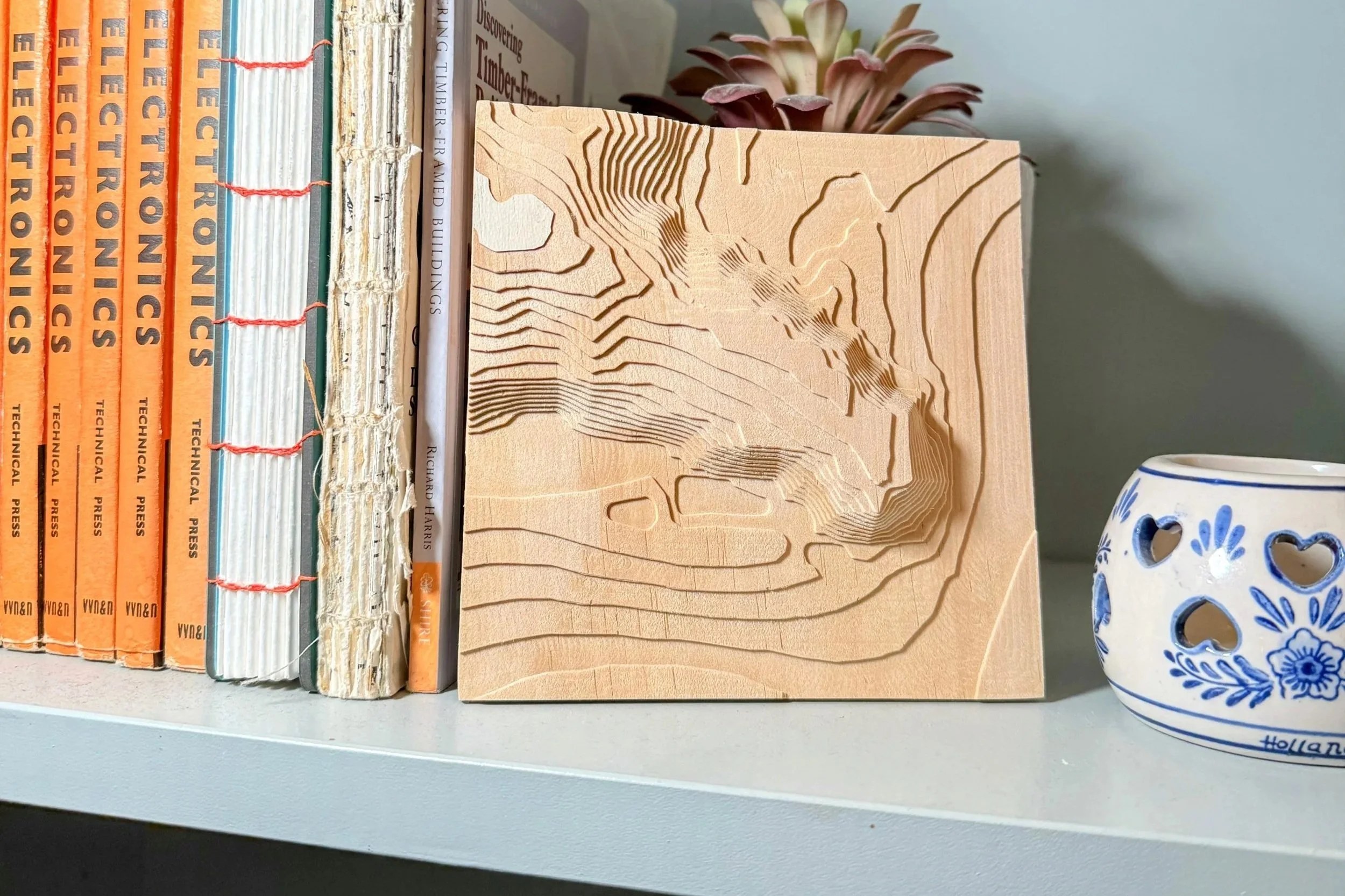
Make Countor maps into wall art
It All Begins Here
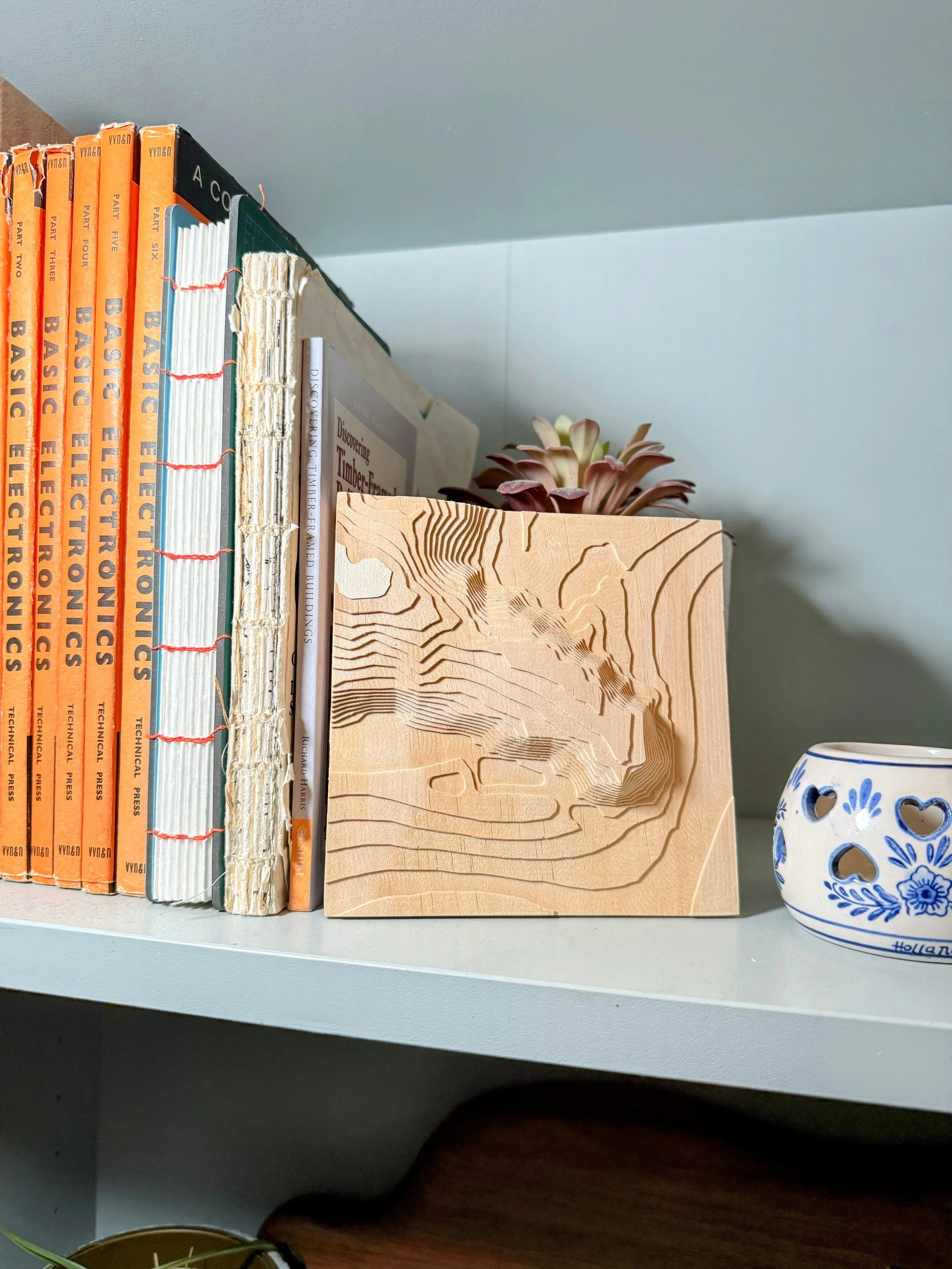
Making Contour Maps or typographical maps of places you’ve been on holiday or for aniveryies or other sentiment occasions can be a great way to remember can encapsulate and keep great memoires around. in this guide ill show you how to create these models using only free software
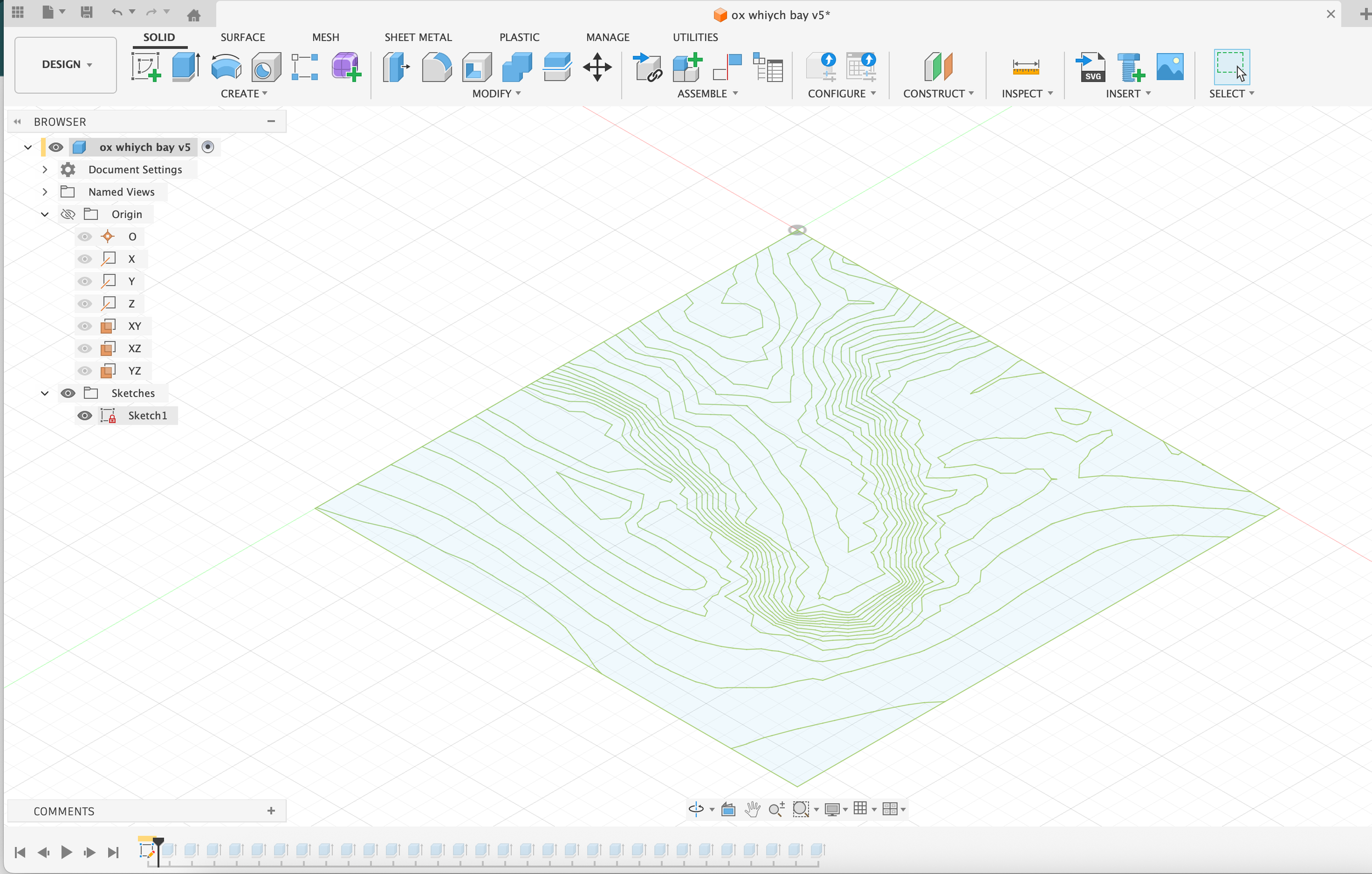
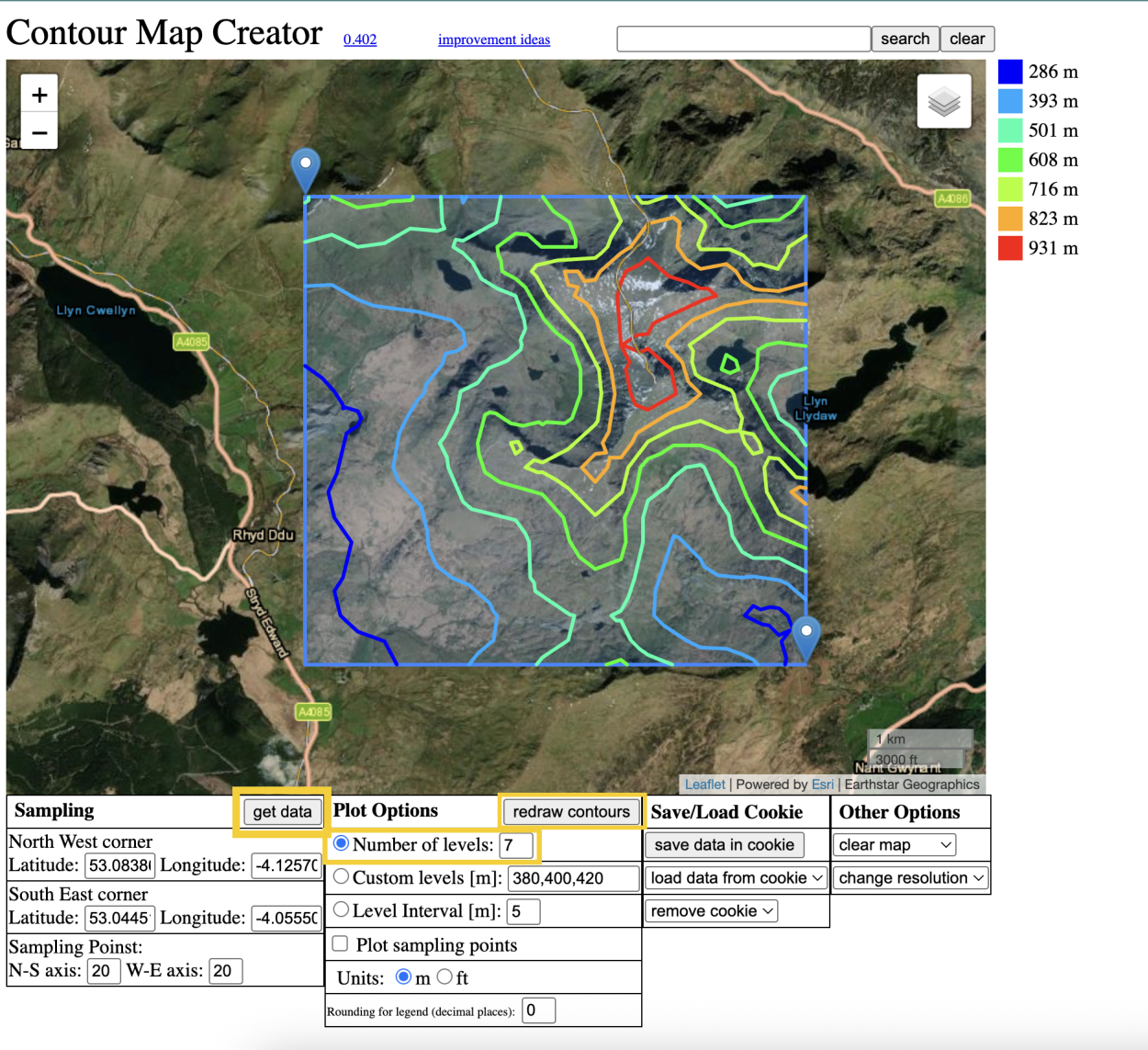
first we need to generate the contour images in a .svg file. you can do this on this website firstly we simply navigate the map to find are location wed like to use and click at two poits to create a square and then click generate this will update the map showing the contours we can then play around with plot options to refine how many layers we want or what interval spacing we want to use , once your happy with how this looks simple scroll down and select download .svg file
Make it stand out
Whatever it is, the way you tell your story online can make all the difference.
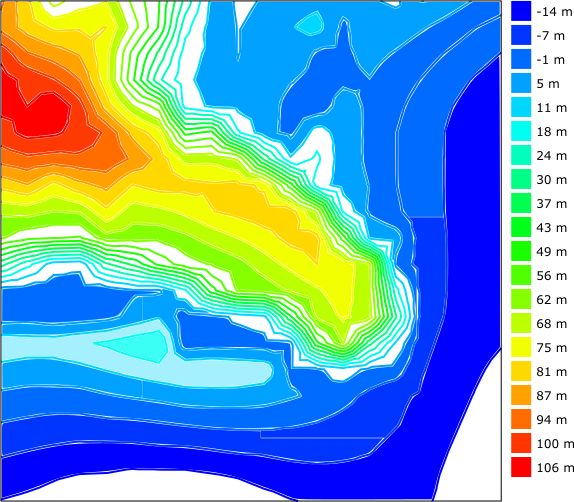
next is a optional step that i find help help for when working in CAD , i next make a copy of .svg and then load the .svg copy into inkscape using the colour select too to select the colour of the contour line and then the fill tool to fill in the sections of the contour map this make it easier to see each level of the contour map and what elevation it is in respect to other layers next save this as a new file and we will simply use this as a reference when we are in CAD
Make it stand out
Whatever it is, the way you tell your story online can make all the difference.
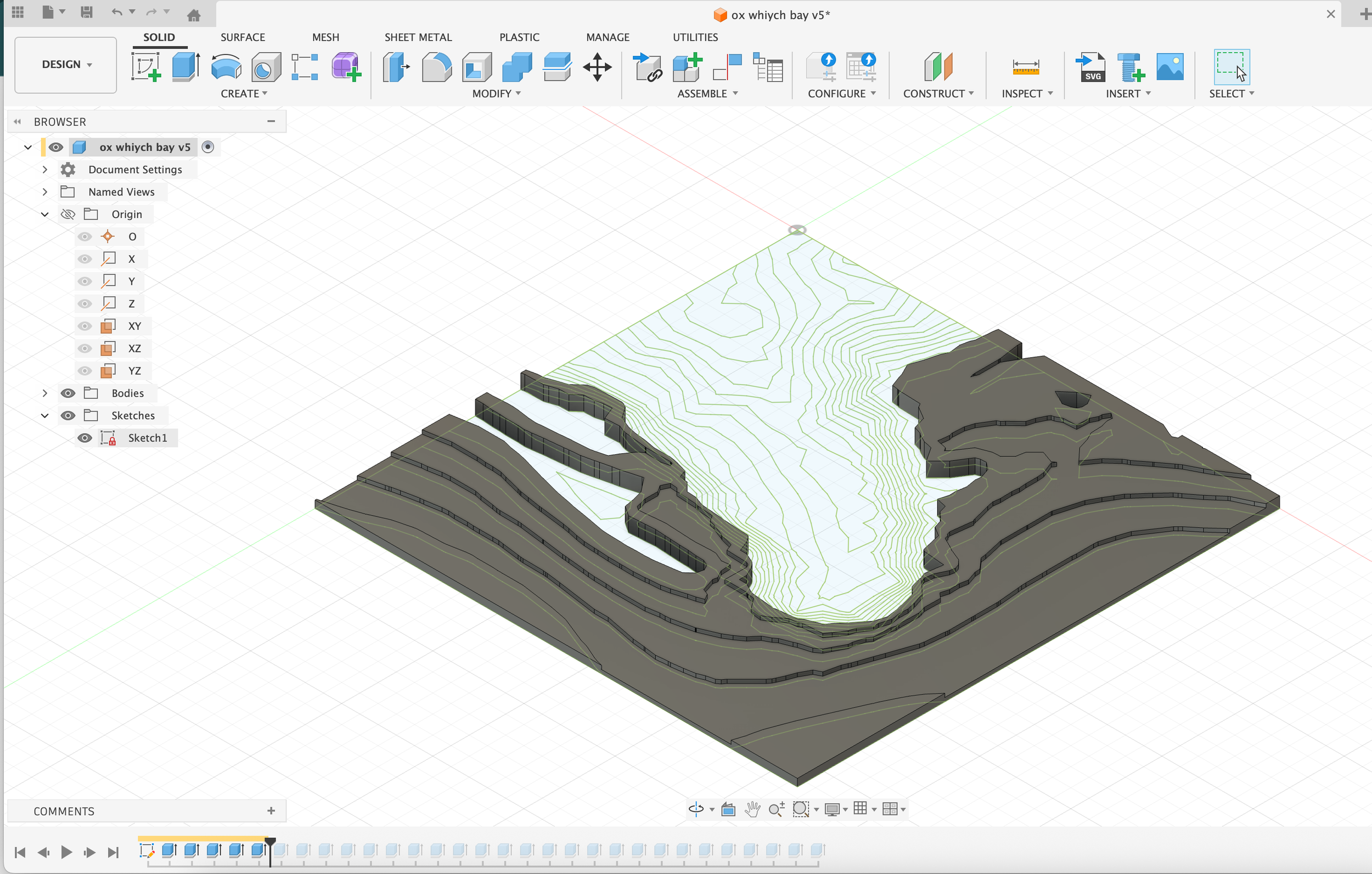
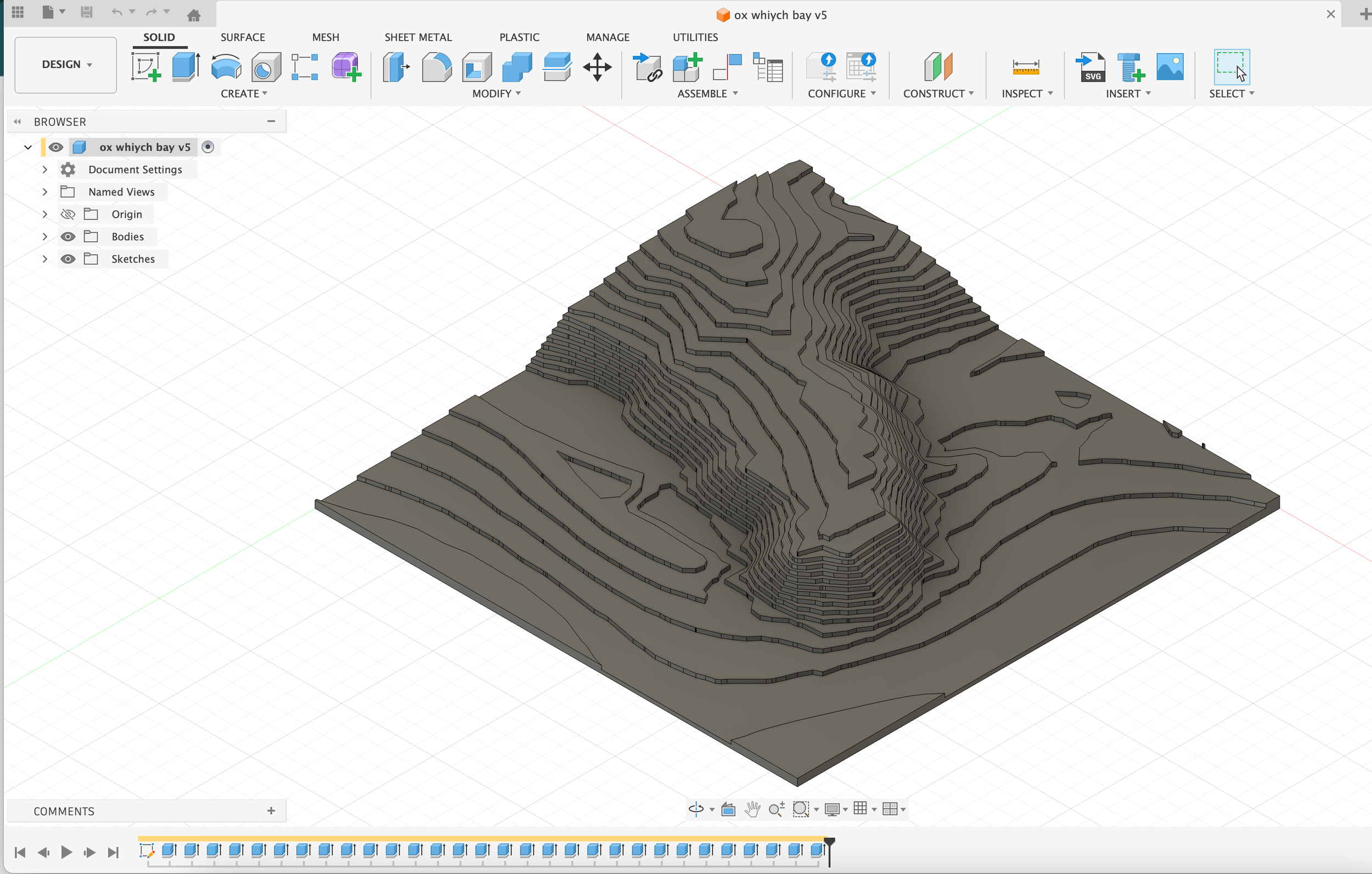
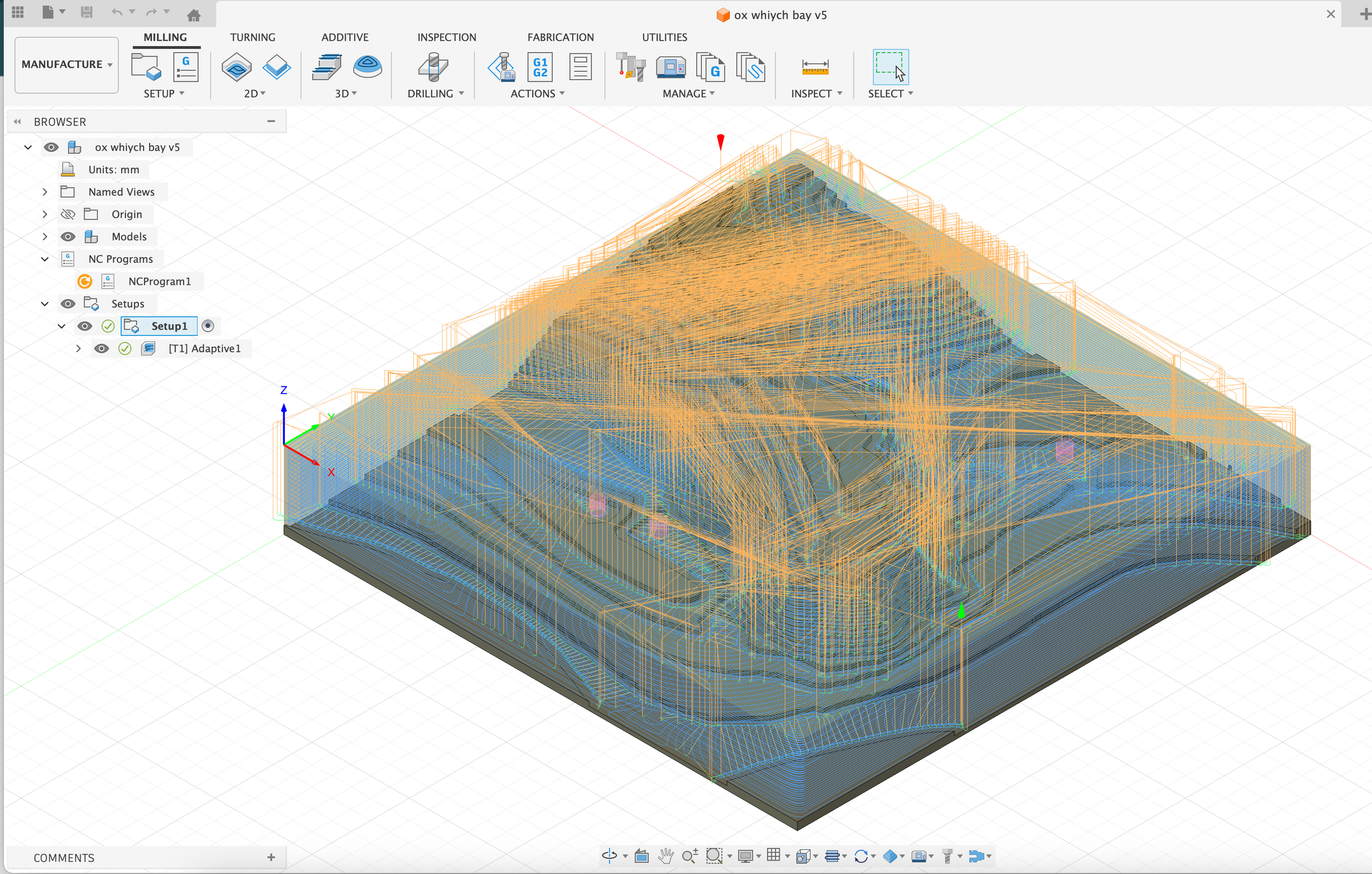
Next i load the .svg in to my chosen cad software i like Fusion 360 . we can resize the file to fit are stock peace. we can next decide are increments as the contour separation is uniform we can simplely extrude each contour region by either increasing or decreasing amounts depending on wich way round you like to work. i find 1 mm with 20 layers is usually a nice starting point. next we just extrude each layer by the amount set and in a couple of minutes you should now have a completed model next we need to import the file in to CAM software i use the manufacturing tab in fusion 360 which makes things very quick and easy to generate tool paths that can then be uploaded to your CNC